

Office projector buying guide: 5 Specs that actually matter
Conference room projectors are not a one-size-fits-all purchase. The right choice depends on your room setup, how you plan to use it, what devices you need to connect, and what kind of image quality your presentations require. These are the five specifications worth considering before making your purchase. Brightness Brightness is the single most important… Continue reading Office projector buying guide: 5 Specs that actually matter
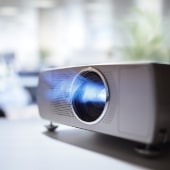
What to look for when buying an office projector
Buying a projector for an office conference room is surprisingly easy to get wrong. Insufficient brightness, a missing port, or an unsuitable throw distance can turn what should be a productivity tool into a constant source of frustration. Here’s what to actually pay attention to before you commit. Brightness Brightness is the single most important… Continue reading What to look for when buying an office projector
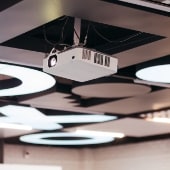
How to choose the right projector for your office
A projector can transform how your team presents, collaborates, and communicates, but only if you buy the right one. Walk into any audiovisual system retailer or browse a few product listings and you’ll quickly find that the spec sheets are long and the differences between models aren’t always obvious. This guide cuts through the noise… Continue reading How to choose the right projector for your offic